Take charge of your time

Plan your days.Live with intention.

Make time for your plans, intentions and goals. Lithography helps you schedule your day on iPhone and keep a brief record of the time you chose for yourself.

3 days free · No subscription required · No automatic charges

Plan
Developer
PangJiong · Independent developer
Platforms
iOS 18+ · watchOS 10+
What it does
Plan, record and look back
Privacy
Records stay on your devices

Choose how to spend today.
See how you lived it.

Choose what matters, give it time in your day, and keep a small record of what you did. Look back to see how your days reflected your intentions and what you want to make room for next.

01 / Daily timeline

Your whole day,
at a glance.

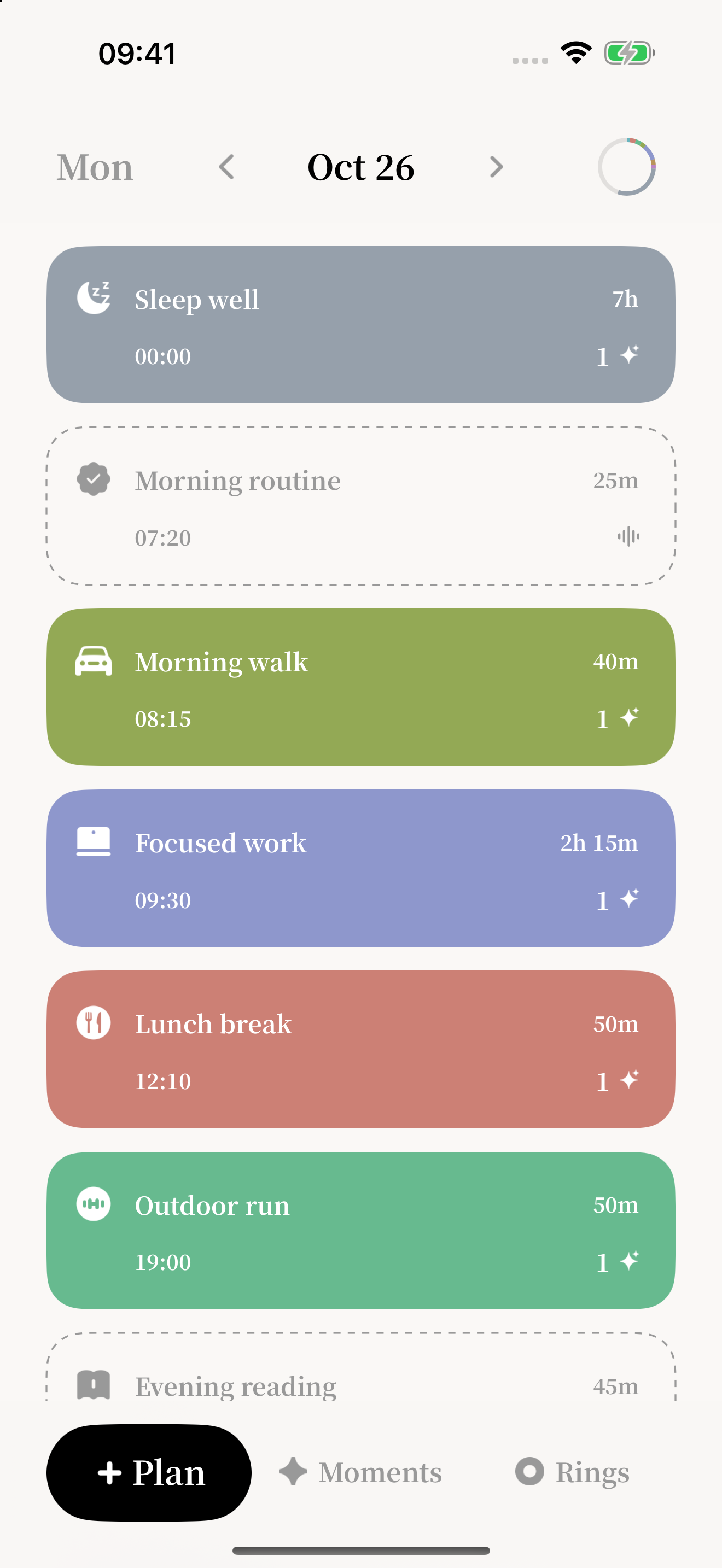
Build a visual daily schedule with start and end times, repeat rules and reminders. Build your day with time blocks

  • See your plans in order, from morning to night
  • Check start times and durations
  • Tell activities apart by category and color
Daily timeline
02 / Add a plan

Make time,
your way.

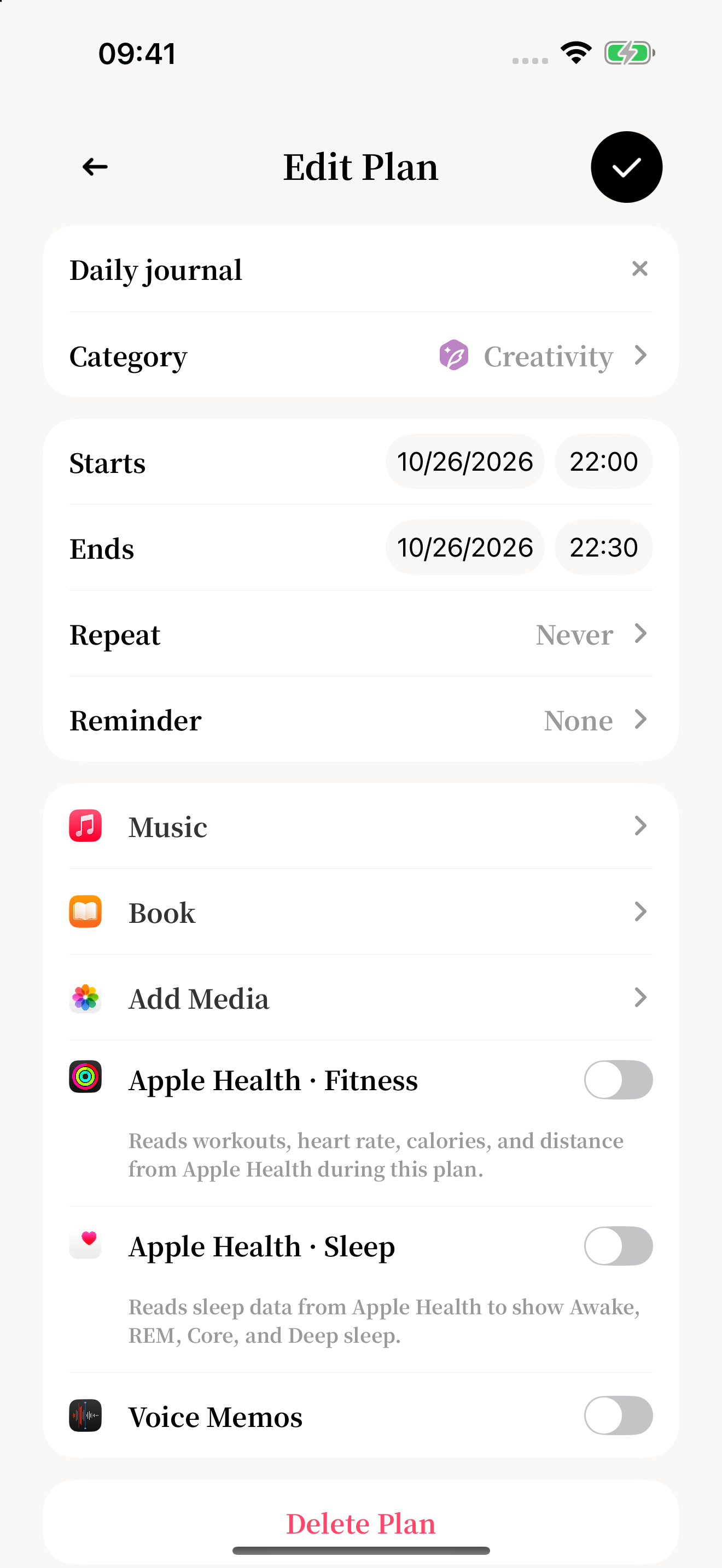
Give an intention a place in your day. Set a start and end time, choose when to repeat, and add a reminder for the activity you want to begin.

  • Set start and end times and choose when to repeat
  • Choose a notification or an alarm
  • Add music, e-books, photos, videos and health records
Add a plan
03 / Moments

A choice you made.
A moment you lived.

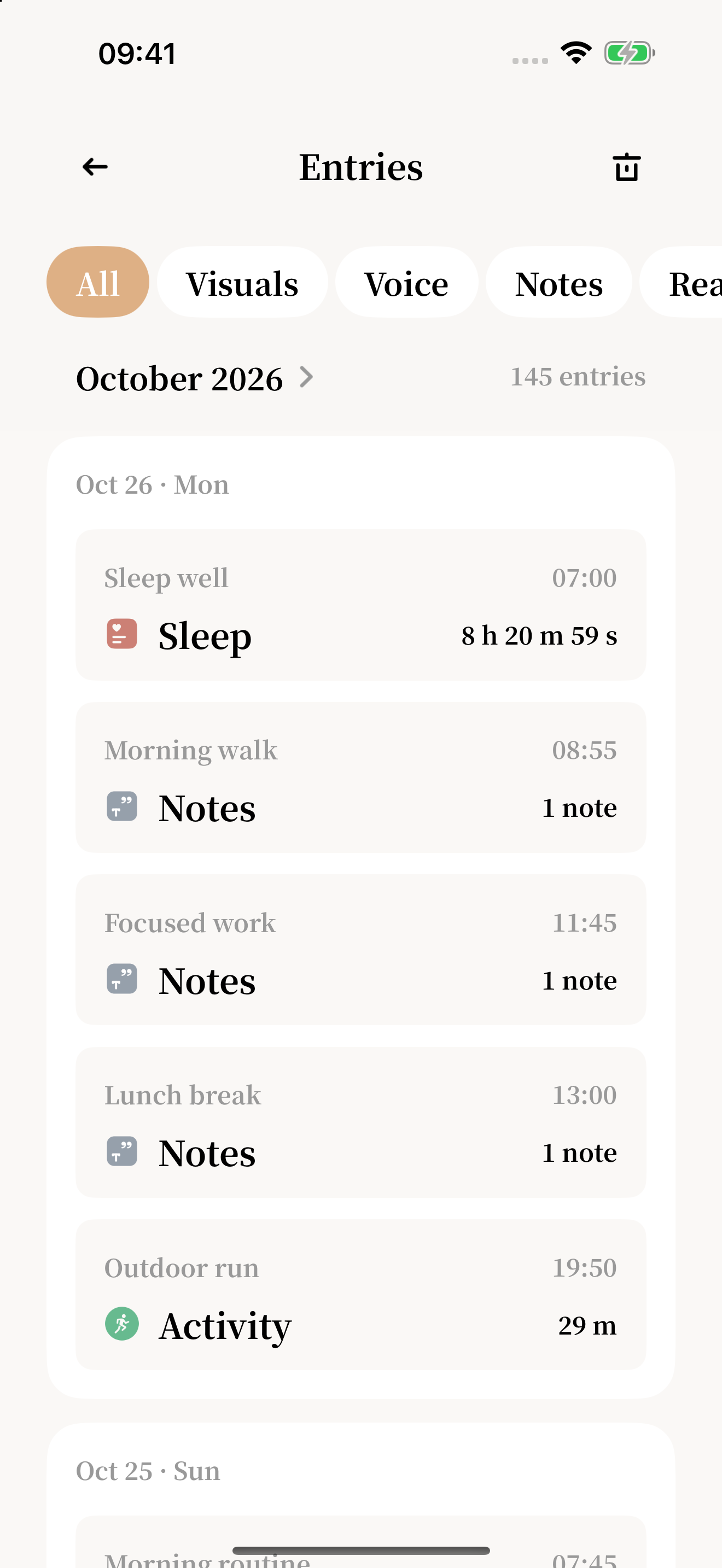
After an activity, keep a sentence, a voice note or a photo with its plan. A small record connects what you chose beforehand with what you did in that moment.

  • Keep notes, voice recordings, photos and videos together
  • Remember what you read and listened to
  • Include workout and sleep data from Apple Health, with your permission
Moments

04 / Rings

See the patterns
in your days.

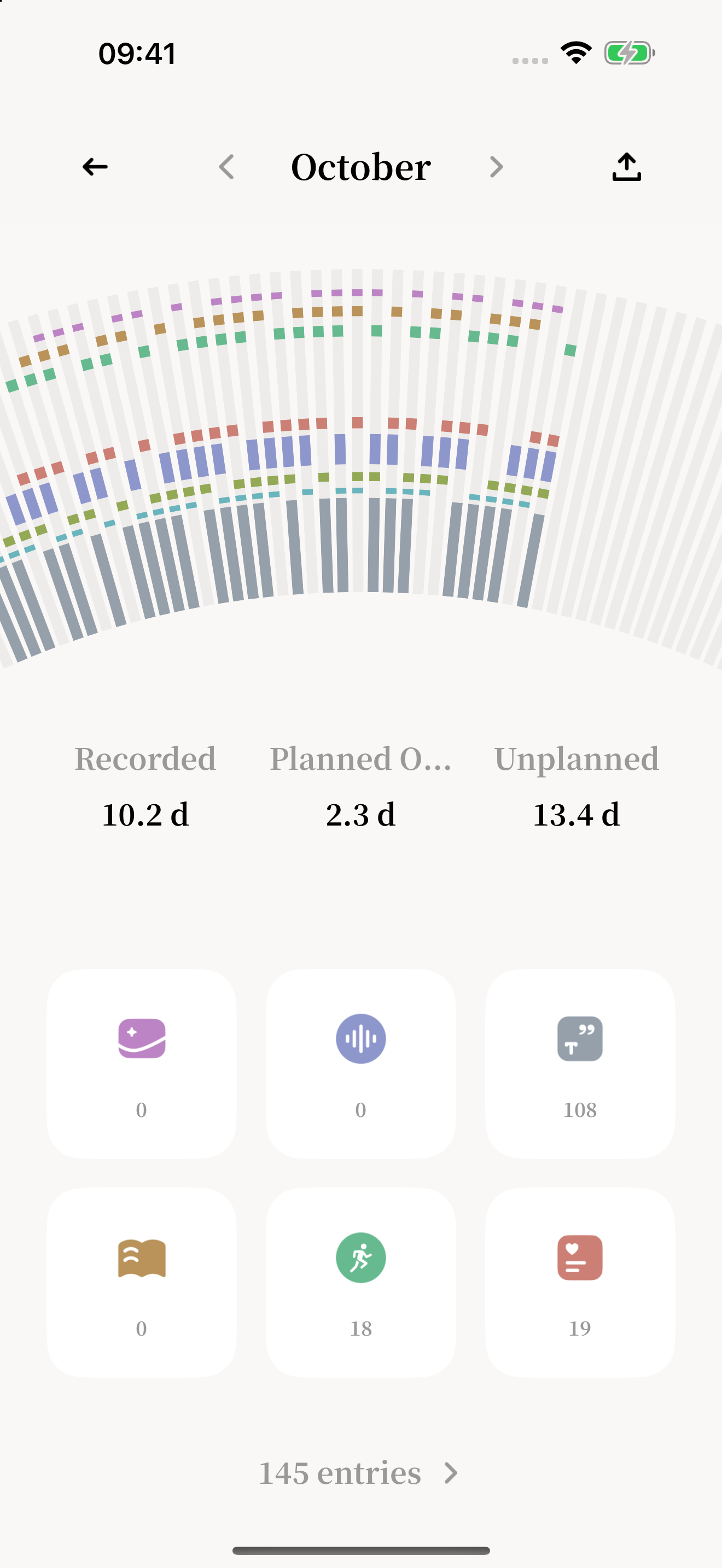
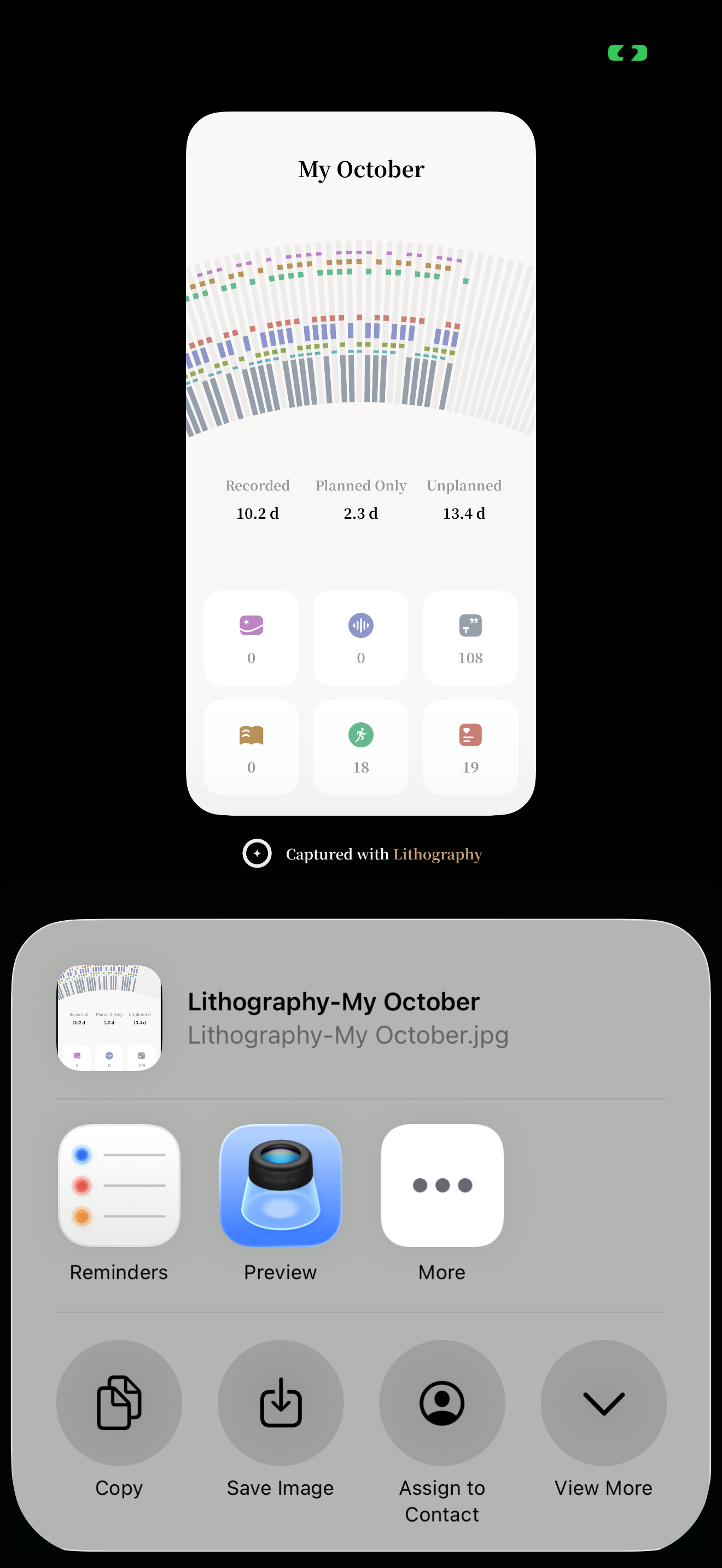
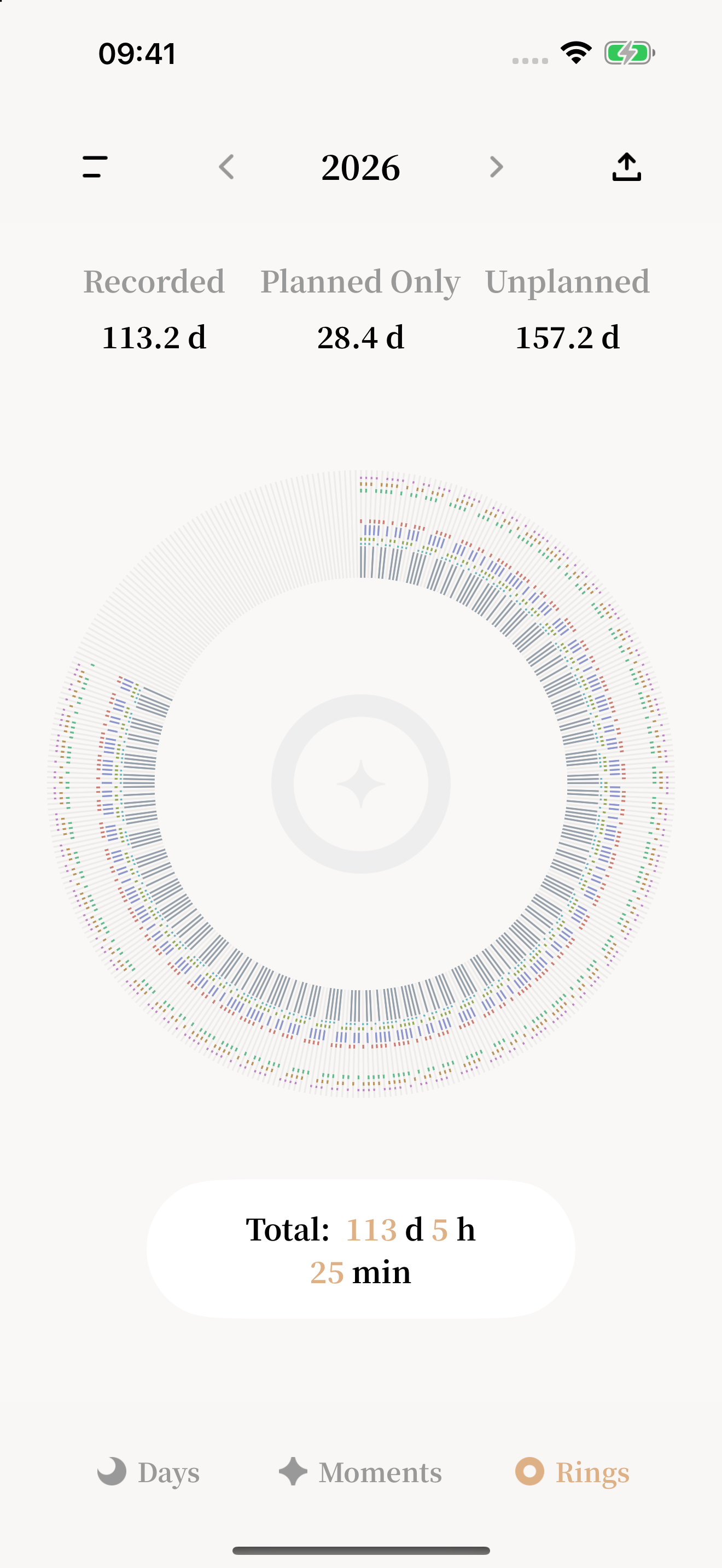
Look back on a month or a year. See planned time with linked records, planned time without linked records, and time without a plan.

“Live each day more intentionally,
without managing every minute.”

RecordedTime with records
Planned OnlyPlans without records
UnplannedTime without a plan
Monthly review
Yearly review

See your day
without opening the app.

Widgets and Apple Watch keep important plans close at hand.

05 / Home Screen widgets

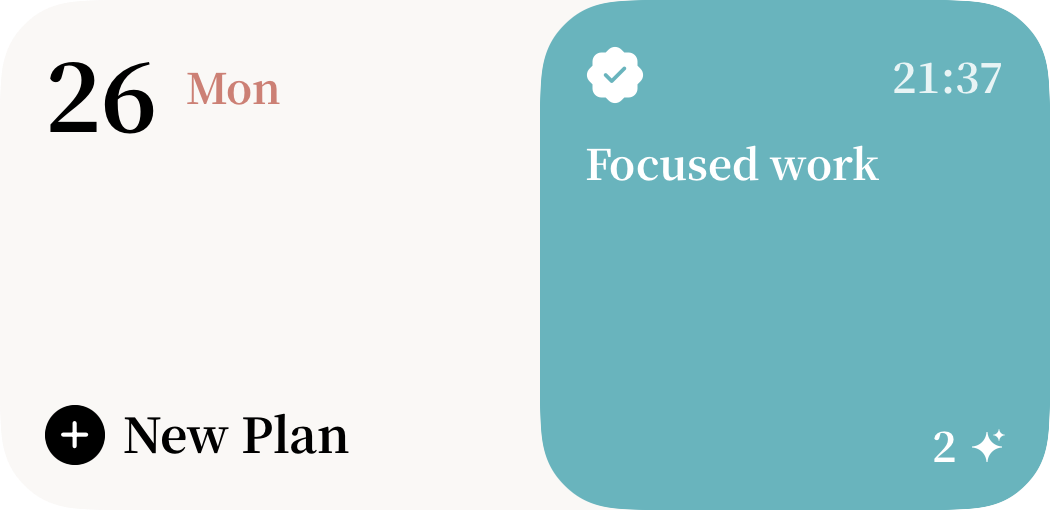
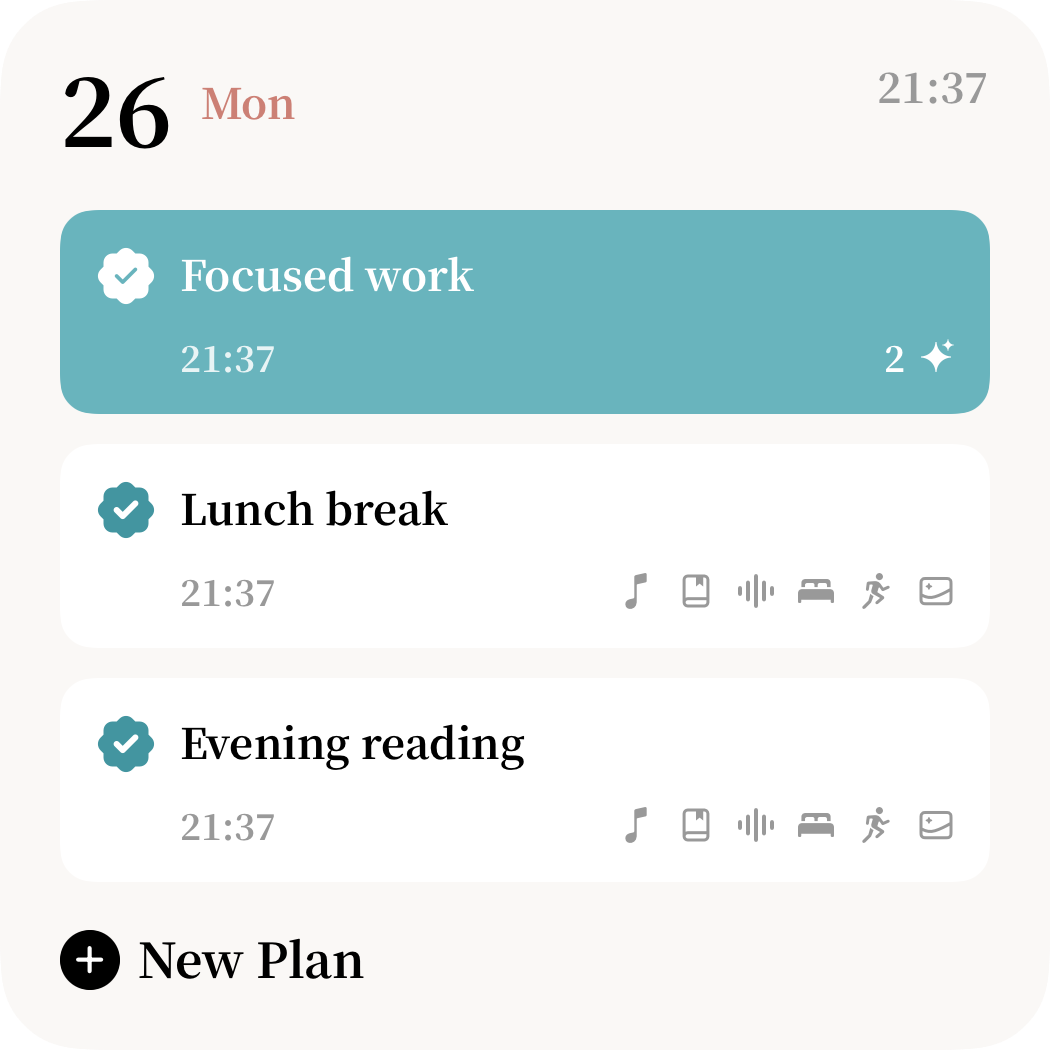
Different sizes.
Always in view.

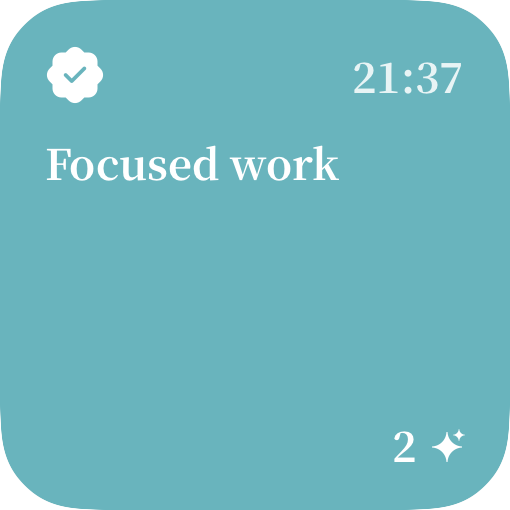
See nearby time blocks and which activities have records, right on your Home Screen. Widgets use the plans saved in the app.

Small widget
Medium widgetLarge widget
06 / Apple Watch

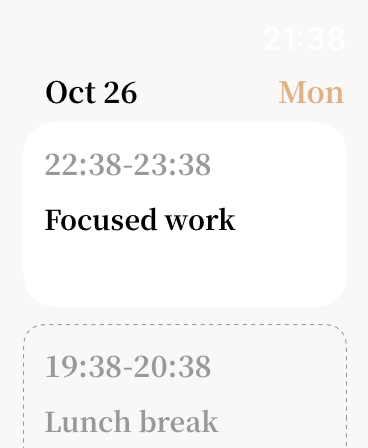
Raise your wrist.
See what's next.

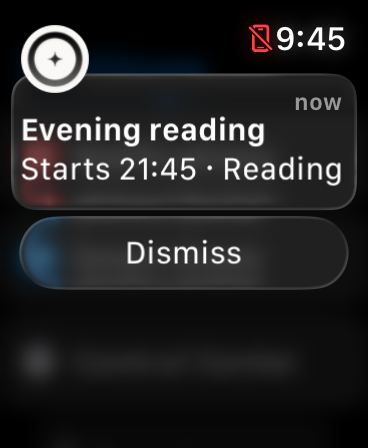
See what’s happening now and what’s next with a glance at your wrist, whether you’re working out or on your commute.

Apple Watch daily schedule
Apple Watch schedule reminder

Your time belongs to you.

Schedules, records, media and health data stay on your devices. The app only asks for permission when a feature needs it. You can still plan your day without granting access to photos, recordings or health data.

Privacy policy

Try it free.
Then decide.

Use all features free for your first three days. No subscription is needed, and you won’t be charged or subscribed automatically when they end.

First 3 days · All features free
Free

No subscription needed. Try it for three days and see how it fits your life.

  • Days: daily timelines, repeating plans and reminders
  • Moments: notes, voice recordings, photos and health records
  • Rings: monthly and yearly reviews you can save and share
  • Your records stay on your devices. No personal data collected.
Try 3 days free

Continue with Pro if you choose · Monthly pricing on the App Store

Lithography guides

Questions, answered

Before you get started.

How is Lithography different from a to-do app?

Lithography connects each plan with the notes, voice recordings, photos, reading, workouts and sleep that go with it. Look back by month or year to see what those days were really like.

Will I be charged after the first three days?

Use the app free for three days from first launch, without subscribing upfront or an automatic charge. After free access ends, subscribe to Pro to continue using the app.

Are my photos, recordings or health data uploaded?

No. Your plans, records, photos, videos and health data aren’t uploaded, and Lithography doesn’t collect personal data. The app only asks for permission when a feature needs it.

Which devices and languages are supported?

You’ll need iOS 18 or later on iPhone and watchOS 10 or later on Apple Watch. The app, widgets and Apple Watch app support Simplified Chinese and English.

Where can I get help?

Read the Lithography guides, or email changelzheng@gmail.com.

Other ways to ask

People don’t all type this the same way. The wordings below are the ones this page answers:

  • daily planner and journal
  • daily planner and journal in one
  • daily planner and journal app
  • iphone journal app
  • make time for what matters
  • make time for what matters most
Lithography

Make time for what matters.
Live the day you choose.